1. When the ambient temperature is between 0 and 5°C, the shredder will struggle to continue operating after half an hour. This is because the motor generates a significant amount of heat during operation; if this heat cannot be dissipated, it will interfere with the motor’s normal functioning, and the paper will not be detected or fed into the blades. At this point, the necessary step is to allow the shredder to dissipate the heat so it can resume operation as soon as possible; however, it is clear that it cannot continue operating for too long. If the shredder continues to operate in a summer environment, its operating time will be reduced.
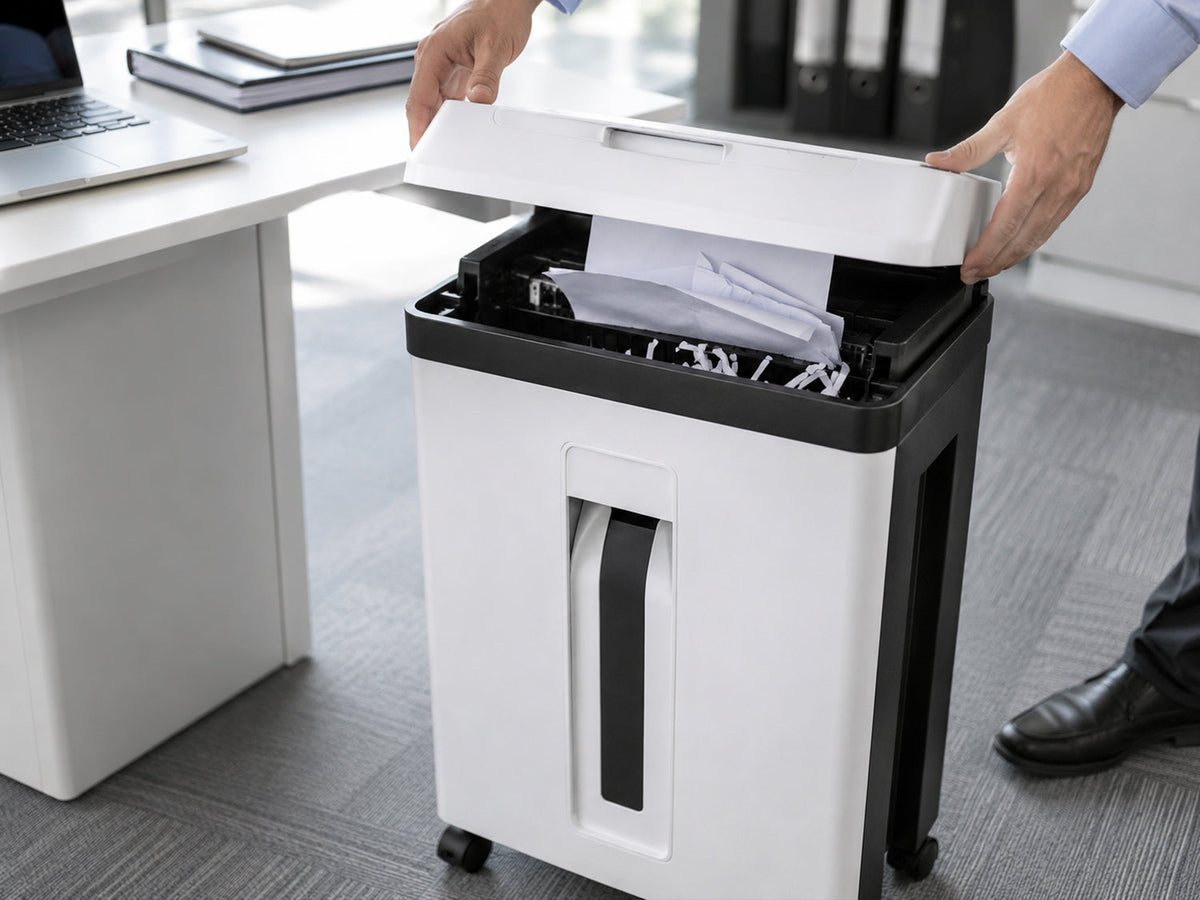
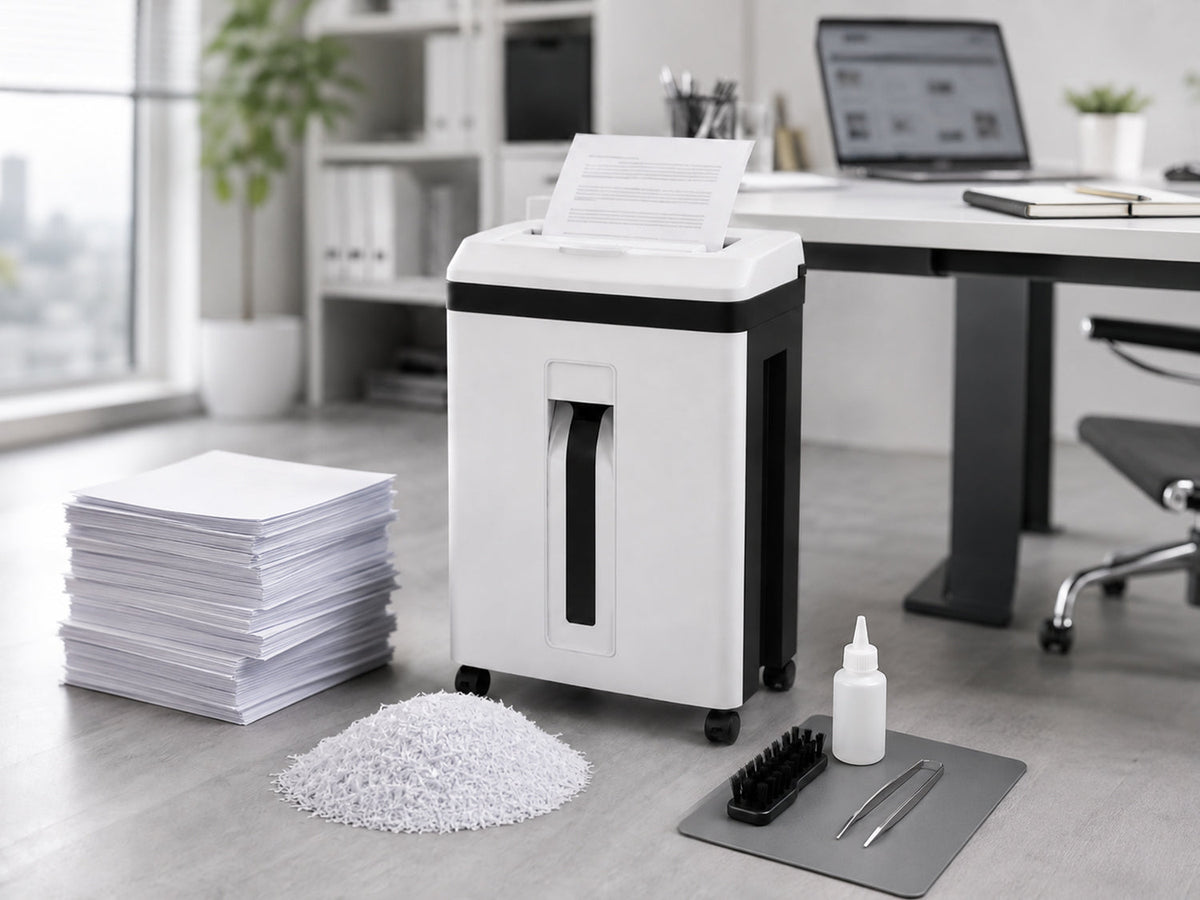
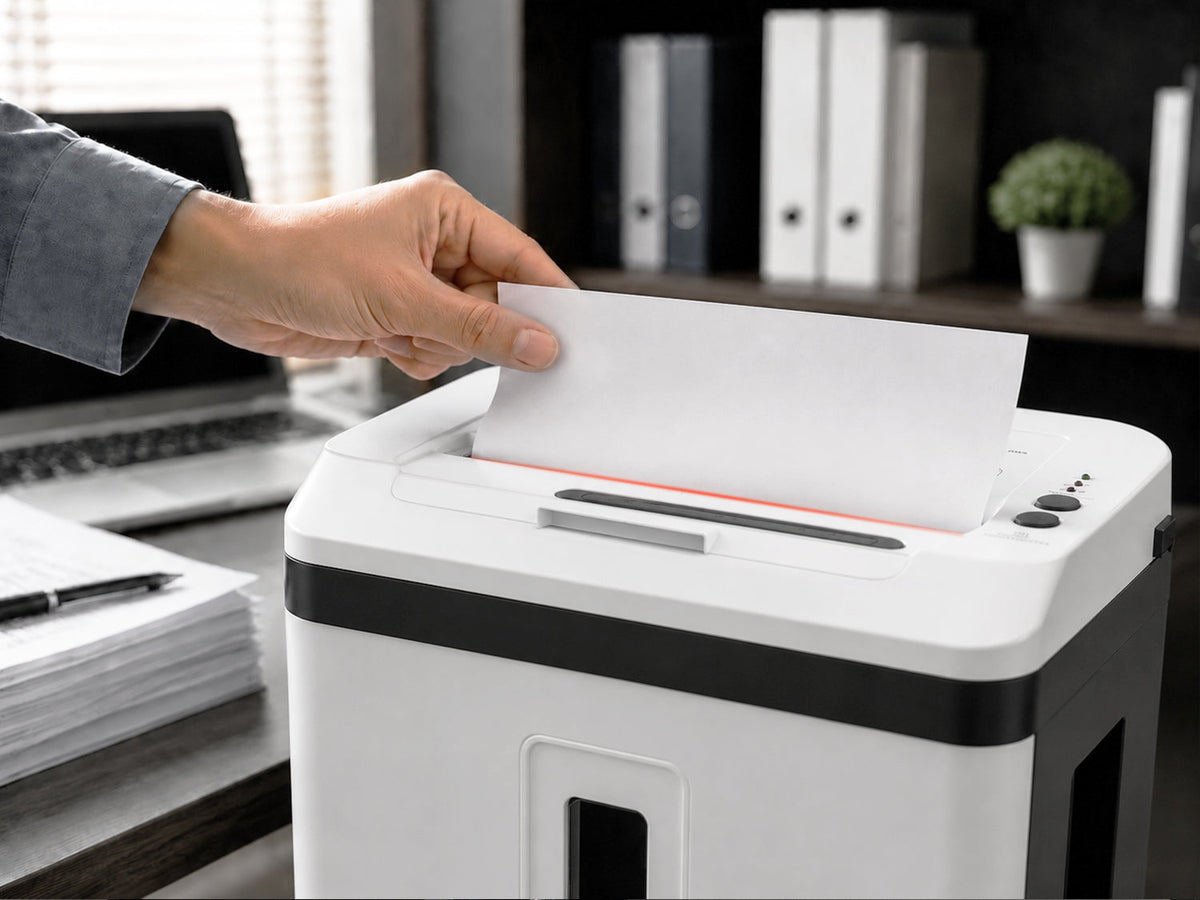
2. If too much paper is fed into the shredder at once, it will cause a paper jam, and the blades will wear out easily, which will shorten the shredder’s service life. Therefore, it is best to feed only 2–4 sheets of paper at a time.
3. There are two types of drawings: white-background and gray-background. White-background drawings are the most common type we use. Gray-background drawings are relatively rare and are typically used for archival purposes. Shredding this type of paper can be difficult for a standard shredder because the paper is semi-transparent, making it hard for the machine to detect. Once the paper reaches the rear section, it will become jammed. When this occurs, you should feed this type of paper into the shredder along with white paper to ensure the shredder operates normally.
The above are some common issues encountered when using office shredders. With advancements in science and technology, shredders are becoming increasingly sophisticated, and these issues are gradually being resolved.
Solutions for Paper Feed Issues in Shredders:
First, check whether the shredder is powered on. Press the power button again to see if the motor rotates. If it rotates, this means the motor is functioning properly, and the issue is likely with the sensor head, which will require factory repair. If it does not rotate, check for a paper jam. If a paper jam is present, carefully clear the jam. Another possible cause is the shredder’s overheat protection feature. Prolonged use can cause the machine to automatically enter a protective state. When this happens, the shredder will stop operating and will not feed any paper. Simply let the machine rest for at least 30 minutes to resolve the issue.